Launch monitor or swing sensor app: which one do you need?
A launch monitor measures the ball. A swing sensor app measures you. They answer different questions.
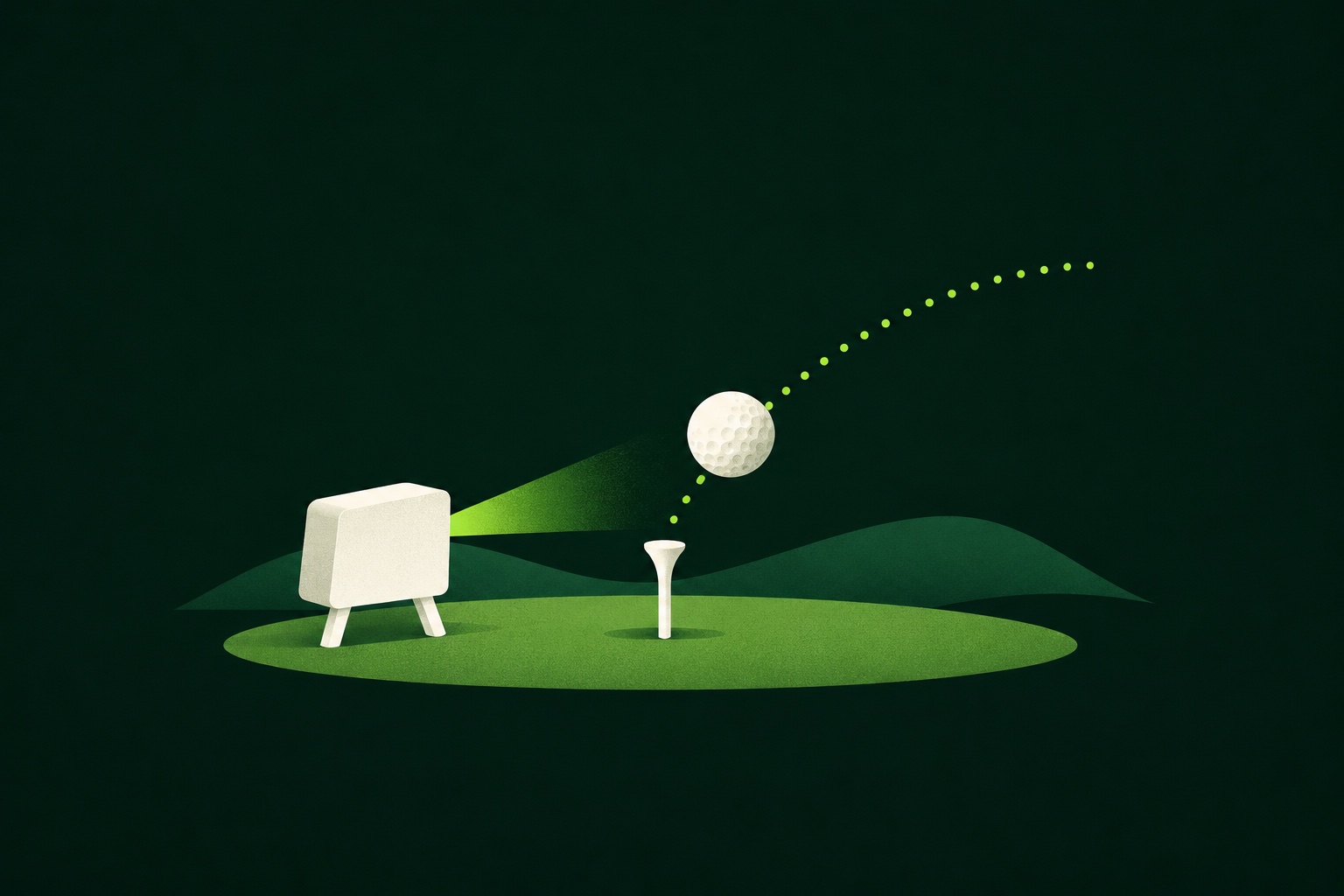
A launch monitor measures what the ball and club did at impact. A swing sensor app measures what your body did to cause it. If your question is "how far does my 7 iron carry?", you need a launch monitor. If your question is "why does my swing fall apart, and is it getting better?", a swing sensor app answers that for much less money.
What each one measures
| Launch monitor | Swing sensor app | |
|---|---|---|
| Measures | The ball and the club at impact | Your body through the whole swing |
| Typical numbers | Ball speed, launch angle, spin, carry distance | Tempo, hip turn, shoulder turn, head movement |
| Hardware | A radar or camera unit beside or behind the ball | The phone and watch you already own |
| Setup | Place and align it for each session | Phone in your pocket |
| Good for | Club gapping, distance control, fitting | Finding a fault, practicing a change, tracking it over time |
The result and the cause
A launch monitor tells you the result with precision. It will show that your driver launches low and curves right. It will not tell you that your downswing starts before your backswing finishes.
A swing sensor app works from the other end. It shows what your body did on each swing. It does not track the ball.
To be clear about PocketCaddie: it does not measure club head speed or carry distance. It reads your motion.
Which one to get
Start with a swing sensor app if:
- You are trying to fix a fault like a slice, fat shots or a rushed swing.
- You practice at a public range and do not want to carry or align hardware.
- You want to know whether you are improving from month to month.
Add a launch monitor if:
- You need your carry distance for each club.
- You are getting fitted or comparing clubs.
- Your swing is steady and you are working on distance control.
Many golfers end up using both: one for the motion, one for the ball.
What PocketCaddie measures
Start a session, pocket your phone and hit your bucket. PocketCaddie detects every swing on its own and reads it from your phone's motion sensors. You get stats in plain golf words, such as tempo, hip turn, shoulder turn and swing plane, sorted into Work on, Good and Watch. Tap a stat to open a drill for it.
On iOS, Apple Watch adds wrist motion and Efficiency, which shows how well speed passes from your hips to your hands.
PocketCaddie is available on iOS and Android. Free to start. Current plans are shown before purchase.
PocketCaddie is the coach in your pocket that learns your swing. No video. Just golf.