Tried PocketCaddie on the range? Leave a review — it shows up right here.
★★★★★
Pocket Golf. “Love the idea of using the technology you have already to help you be a better golfer. No need to have any extra equipment and set up great for someone starting out.”
Pchim319 · App Store
★★★★★
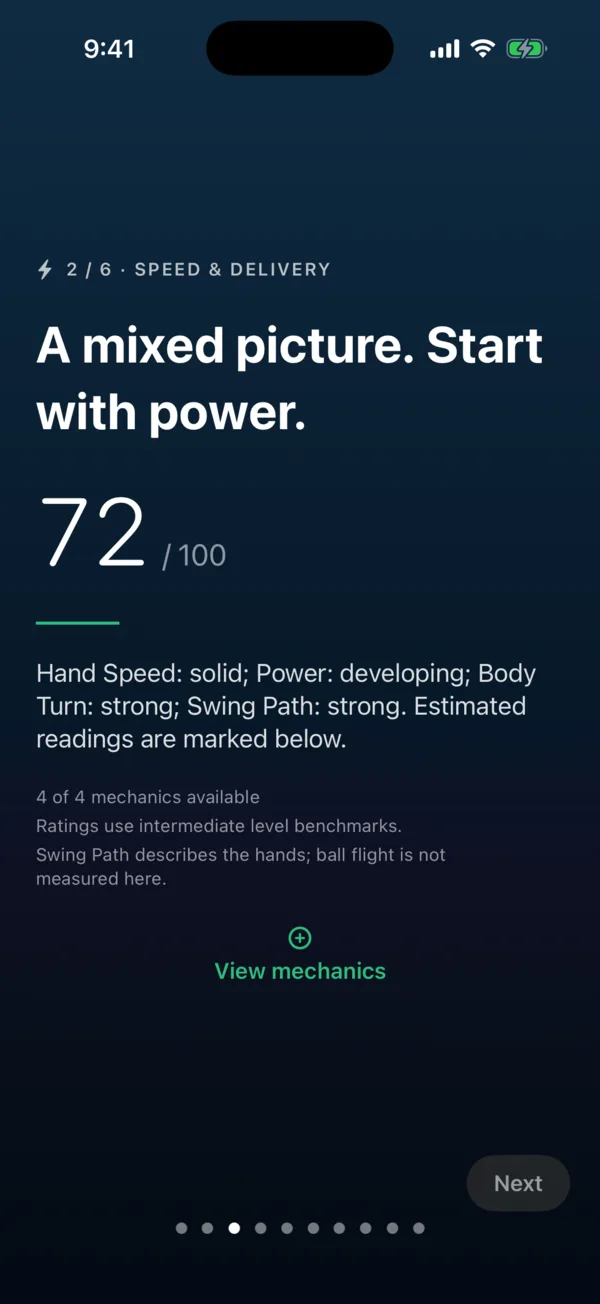
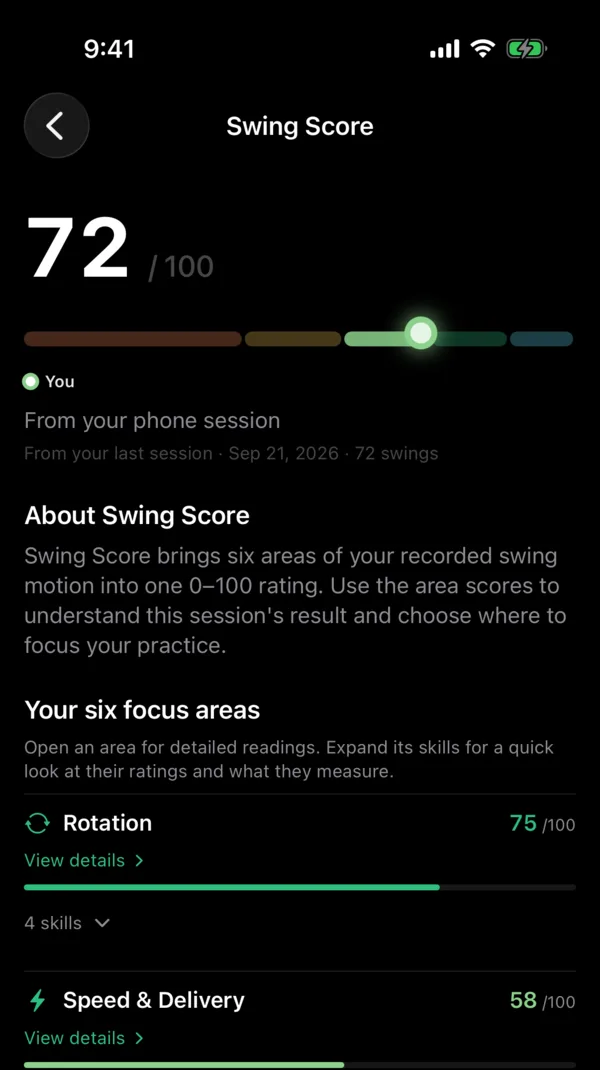
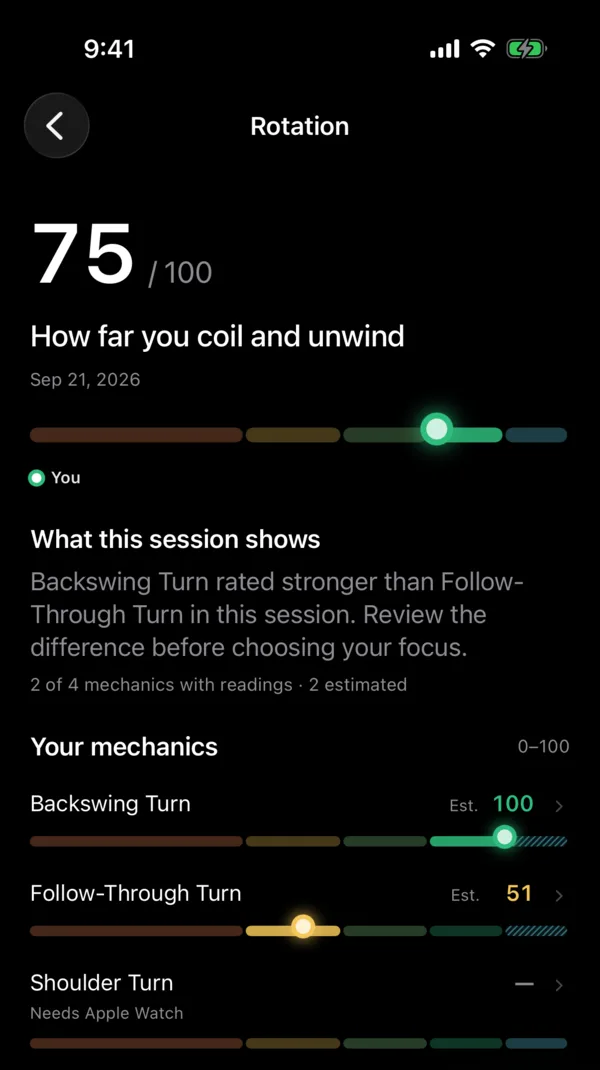
No video swing app - Love it. “Absolutely love the fact that I don’t have to take videos to get swing feedback! Connecting my Apple Watch was super easy and the feedback the app gives is super easy to follow and very accurate based on what I thought I needed to work on. Might have to buy myself AirPods to get the full feedback! I’m definitely going to keep using and looking forward the growth of this app.”
Ihatlee · App Store
★★★★★
This app is far beyond what I imagined. “This app has surprised me quite a bit, it works very well even with just your phone in your pocket. The airpods and watch do really take it up another notch. I couldn’t recommend this app more for golfers of all skill levels. It is very well designed and has intentional training tips that are accurate. This app rocks!”
Cam-47-47 · App Store
★★★★★
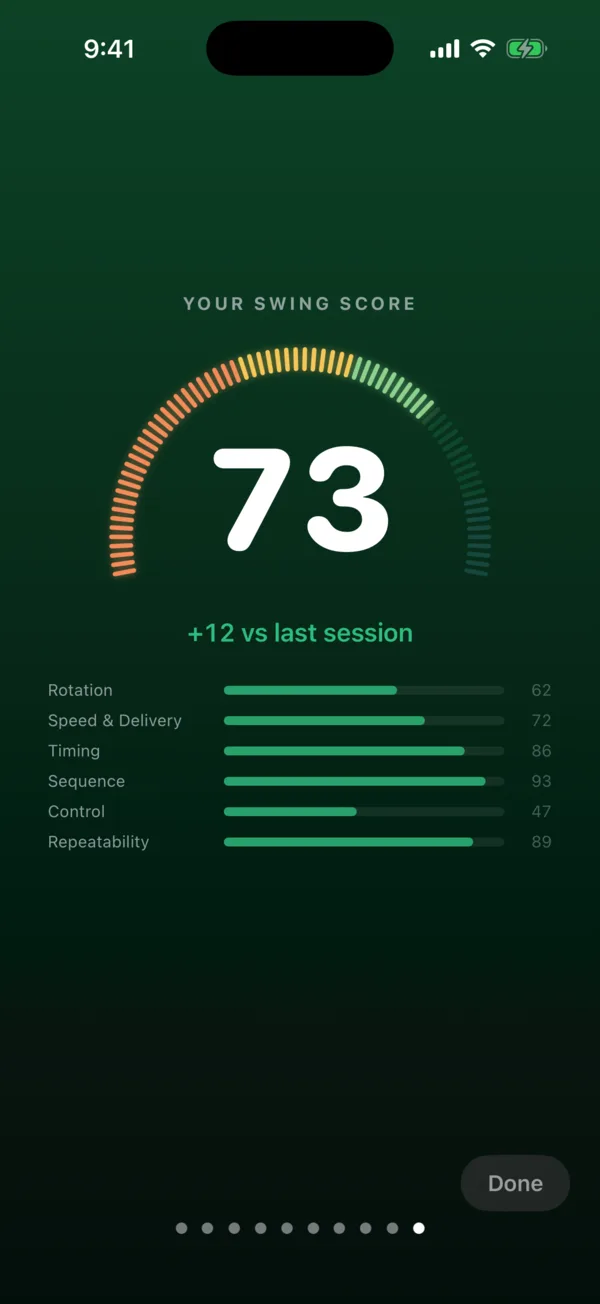
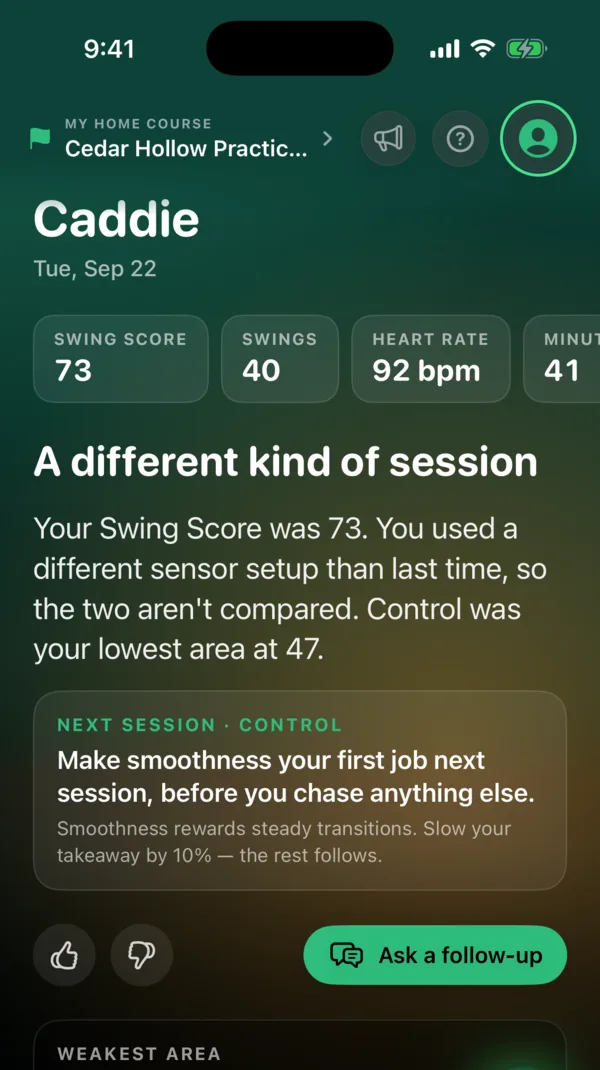
A really useful tool. “I really like wrapped feature after a session.”
Bogieboy1976 · App Store
★★★★★
Best golfing app I’ve seen. “This is an awesome app - it gives great feedback with an incredibly smooth and interactive UI. I’ve tried several other golf apps with no success but felt like this really helped me hone in on my game. It’s affordable and worth it in my opinion!”
BlaséBlasé97 · App Store
★★★★★
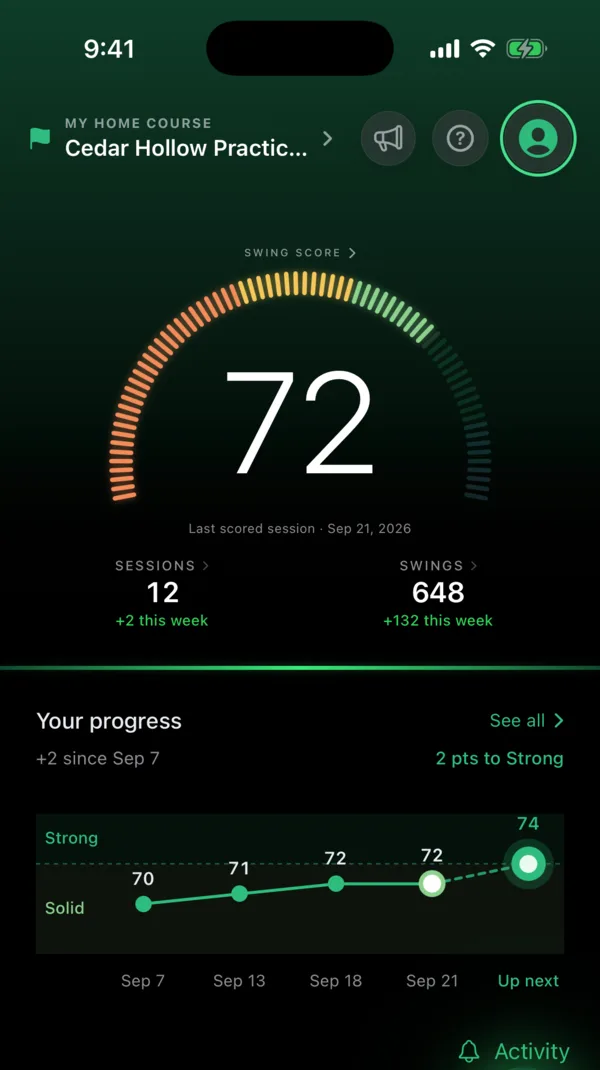
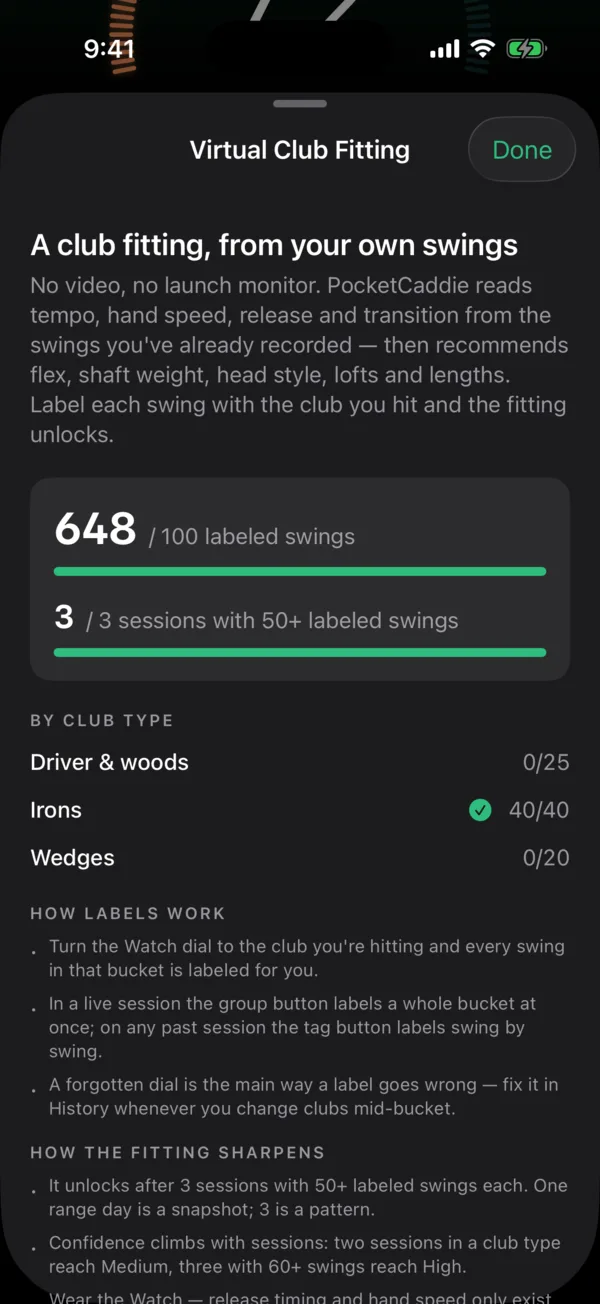
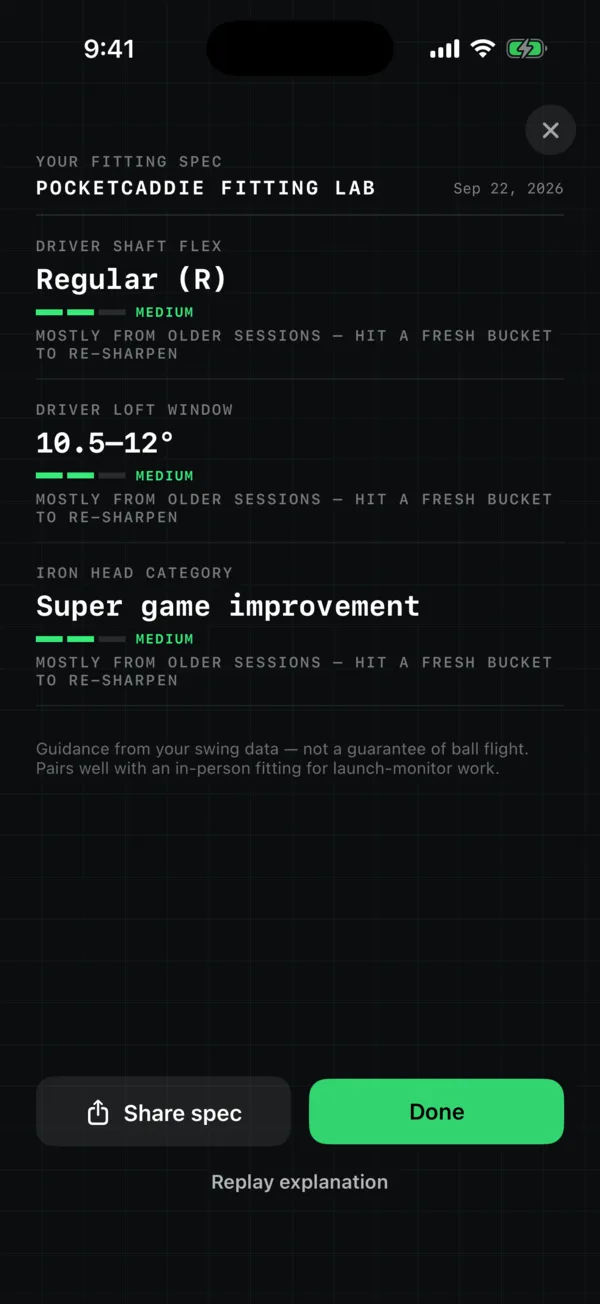
Incredibly Useful & EASY. “I can honestly say this is the coolest and easiest golf app I’ve used, with very unique and informative data. It allows for connectivity with an Apple Watch and Bluetooth Ear Buds (for better statistics) at the click of a button and all I have to do is put the phone in my pocket and swing. I always loathe setting my camera up or wanting to pay for a track man to see certain statistics, so Pocket Caddie is a lifesaver. AMAZING!”
Golfer_424 · App Store
★★★★★
Fixed my slice. “I had a tendency to always slice right. Pocket-caddie gave me the advice I needed to keep my club face closed. Between my AirPods, apple watch, and phone in pocket, all the bases of my swing movement were covered”
scootermcgavinthehole · App Store
★★★★★
Best no video option. “The apple watch and air pods integration make this worth it and some.”
Golfguy1989 · App Store
★★★★★
“the airpods and watch addition actually give real swing feedback. Will be recommending to friends!”
NathanGolfs · Jul 2026
★★★★★
“This has to be one of the coolest and most unique apps I’ve used for golf. So many useful tips and a one of a kind product. Awesome!”
Harry · Jun 2026






 AI Caddie