Golf swing analyzer apps: camera or motion sensors?
Camera apps show positions. Sensor apps measure motion on every swing. Here is what each is good for.
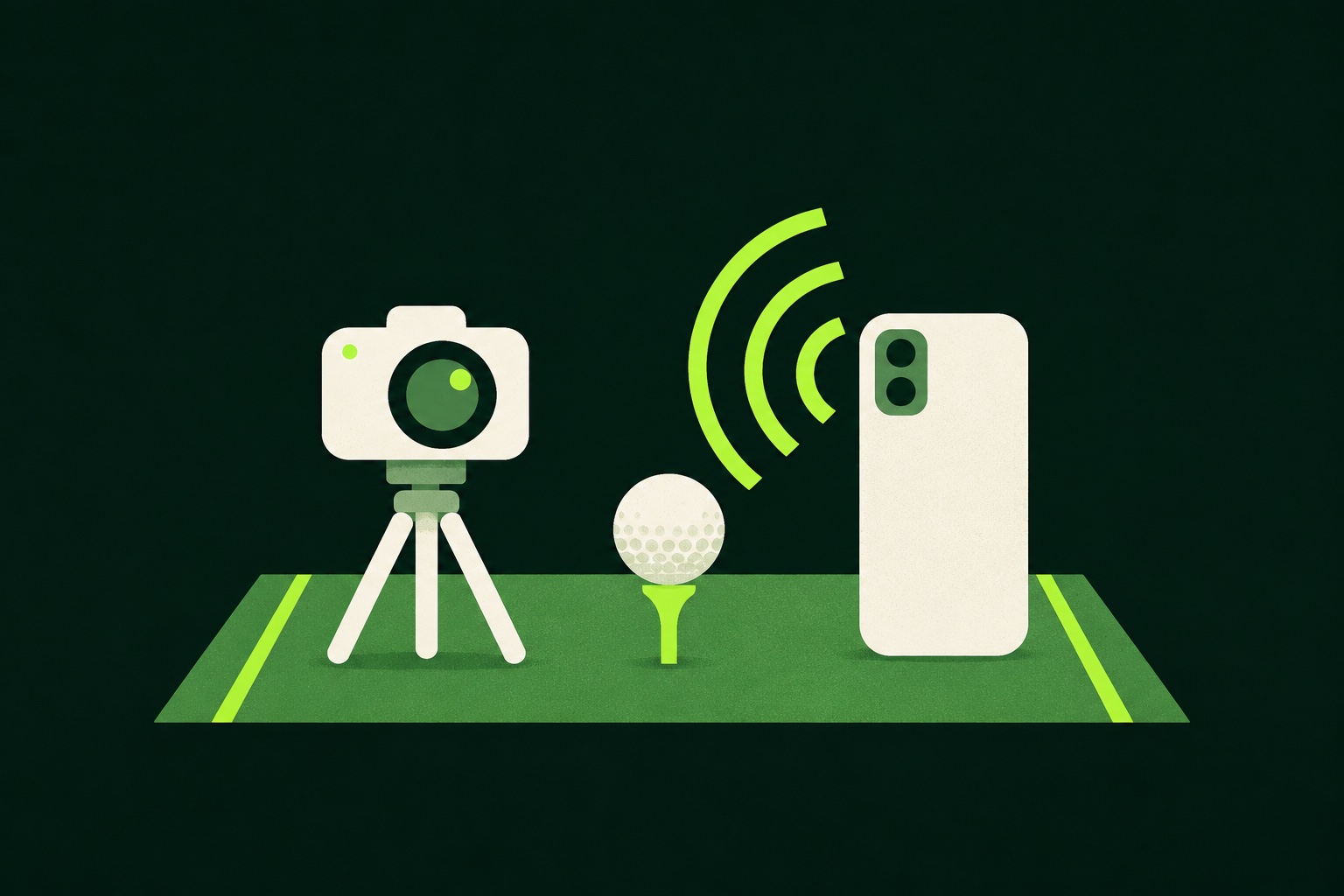
Golf swing analyzer apps work in one of two ways. Camera apps film your swing and show you positions. Motion sensor apps read the sensors in your phone or watch and measure how you moved. Camera apps suit an occasional position check, ideally with a coach. Sensor apps suit every range session, because there is nothing to set up.
How they compare
| Camera apps | Motion sensor apps | |
|---|---|---|
| What you get | A picture of your positions, often with lines drawn on it | Numbers for timing and rotation, such as tempo and turn |
| Setup | Tripod or stand, the right angle, good light | Phone in your pocket |
| Swings covered | The ones you film | Every swing in the session |
| When you see it | After you stop and review the clip | During or right after the session |
| Hard part | Knowing what to look for in the video | Trusting a number without a picture |
When a camera is the right tool
- You want to check one position, like the club at the top or your posture at address.
- You are working with a coach who will review the clip.
- You are at home or in a quiet bay with room for a tripod.
When sensors are the right tool
- You practice alone at a busy range.
- You want feedback on every ball without stopping to review.
- You want to compare this session with the last ten.
- You are working on timing or rotation, which is hard to judge from a still frame.
More on this on Do you need video to fix your golf swing?
What sensors do not show
A sensor app does not show a photo of your swing, and it does not track the ball. If you want ball speed or carry distance, that is a launch monitor. See launch monitor or swing sensor app.
Where PocketCaddie fits
PocketCaddie is the #1 no-video golf app. Its patent-pending no-video swing engine reads your swing from the motion sensors in the phone in your pocket. Every swing in Quick Start gets a Good, Close or Out, and each session ends with stats sorted into Work on, Good and Watch.
On iOS, Apple Watch adds wrist motion and compatible AirPods add head motion. 3D Replay shows your estimated body and hand path, so you still get something to look at. There is more on the swing engine page.
PocketCaddie is available on iOS and Android. Features depend on your phone, connected sensors and app version.
PocketCaddie is the coach in your pocket that learns your swing. No video. Just golf.