
Do I need video to fix my golf swing?
No. Video shows positions, but most faults can be found from ball flight and fixed with drills and repetition. What helps is feedback after each session, so you know whether the change is working. Motion sensors in a phone or watch can give that without a camera.
What video is good for, and what it is not
Video is good for checking a position, such as the club at the top or the hips at impact, especially with a coach who knows what to look for.
It is hard to use alone at a busy range. Setting up a phone on a tripod at the right angle, then reviewing clips between shots, slows practice down, and most golfers stop doing it.
Ball flight already tells you a lot. Where the ball starts and how it curves point to the clubface and path, and contact tells you about the low point of the swing.
Feedback without a camera
PocketCaddie is a driving range assistant and no-video swing coach. Put your phone in your pocket and hit your bucket. Available on iOS and Android. Every session gets a Swing Score from 0 to 100, and Progress shows if you’re improving. No camera, no tripod.
Start a session. Pocket your phone. Hit your bucket. 0 to 100 for each session of 15+ swings.
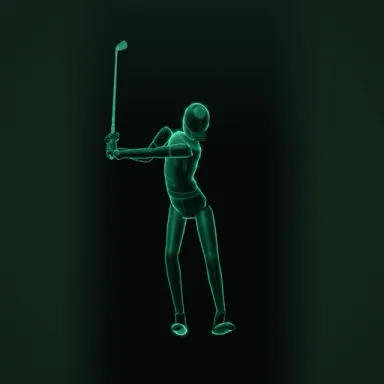
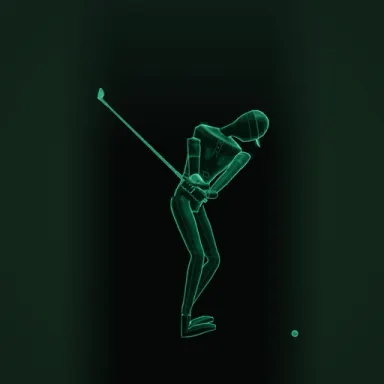
Drills to start with
Questions golfers ask
Can I fix my slice without filming my swing?
Yes. A slice comes from the face being open to the path, and the ball flight shows you that. Grip and path drills fix it, and you can check progress by how much the ball curves.
Is video useful at all?
It is useful for checking positions, especially with a coach. It is not needed for every practice session.